Overview
Insight Hub gives you a faster way to understand how your catalog is performing by turning key business questions into structured insights.
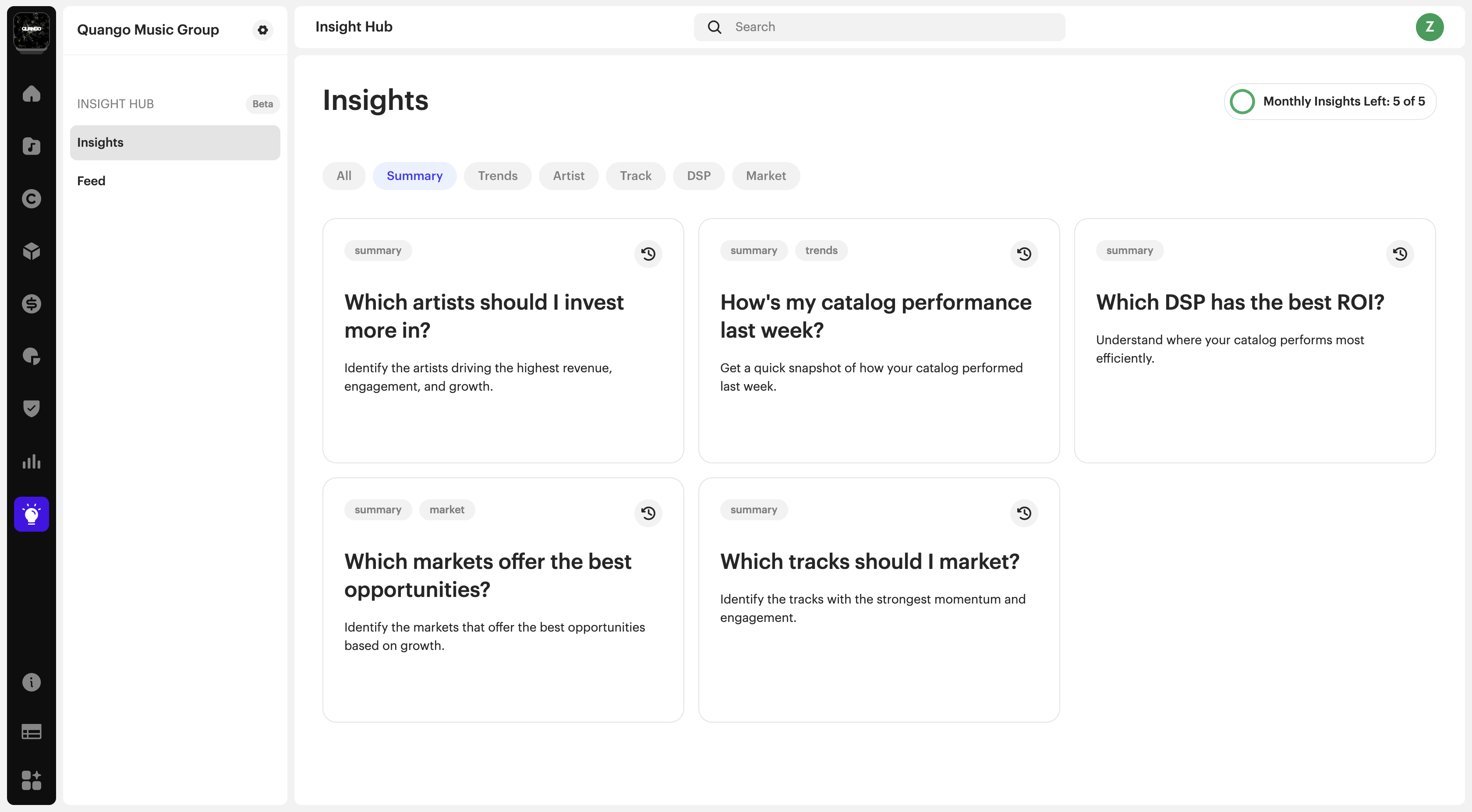
Instead of building reports manually, you can select from predefined questions across your artists, tracks, DSPs, markets, and trends, and generate clear, ready-to-use insights in seconds.
Accessing Insight Hub
- Navigate to Insight Hub from the left-hand menu
- Click on Insights
From here, you can browse and generate insights based on different categories.
Generating an Insight
The Insight Hub works through a set of predefined business questions.
To generate an insight:
- Browse or filter insights by category:
- Summary
- Trends
- Artist
- Track
- DSP
- Market
- Select a question (e.g. “Which artists should I invest more in?”)
- Click to generate the insight
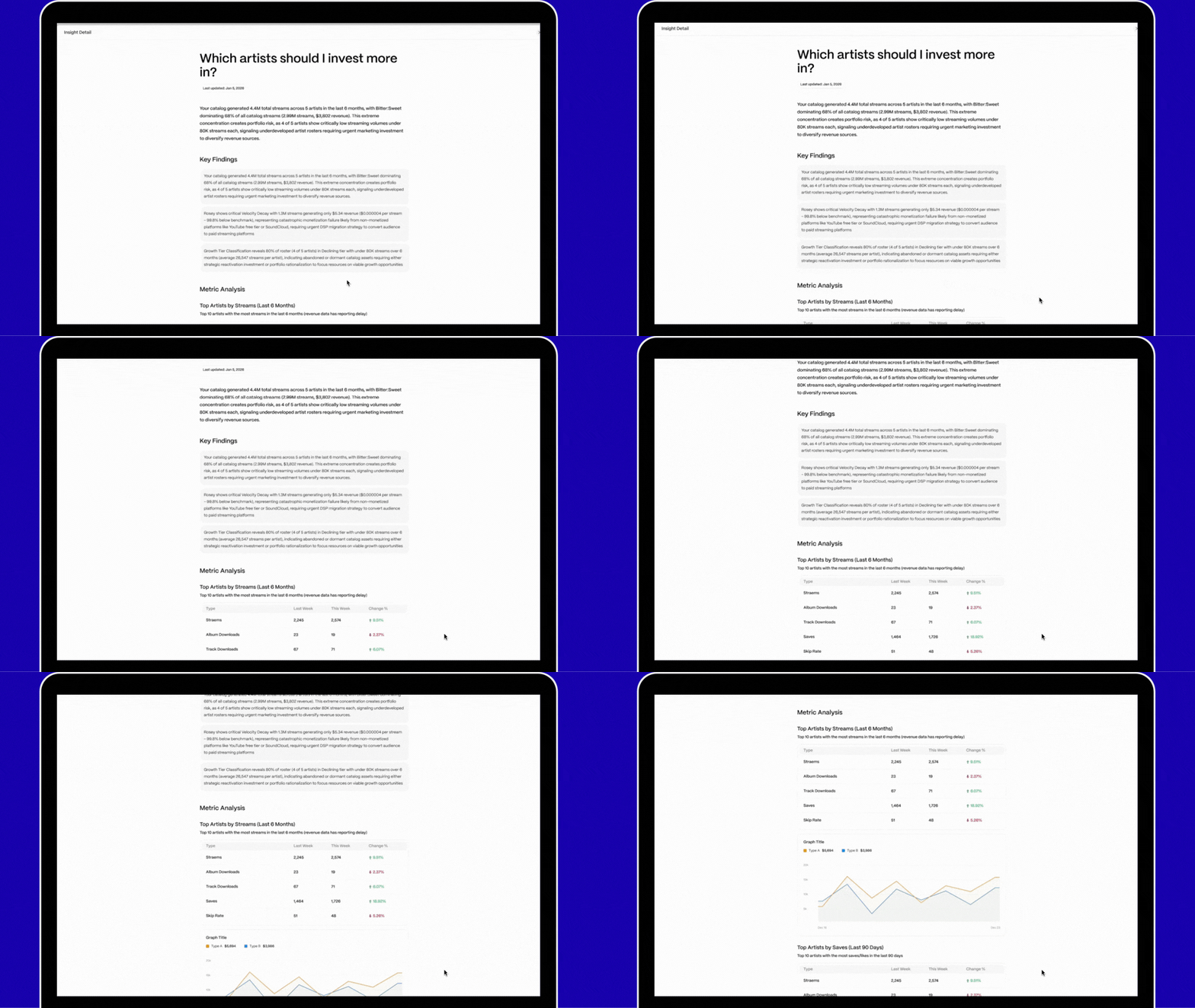
Once generated, your insight will display structured results based on your catalog data.
Understanding Your Insights
Each insight provides a structured answer to a specific business question, such as:
- Top-performing artists or tracks
- Markets with growth opportunities
- DSP performance and revenue trends
Insights are designed to help you quickly review performance and identify opportunities without manual analysis.
Using the Feed
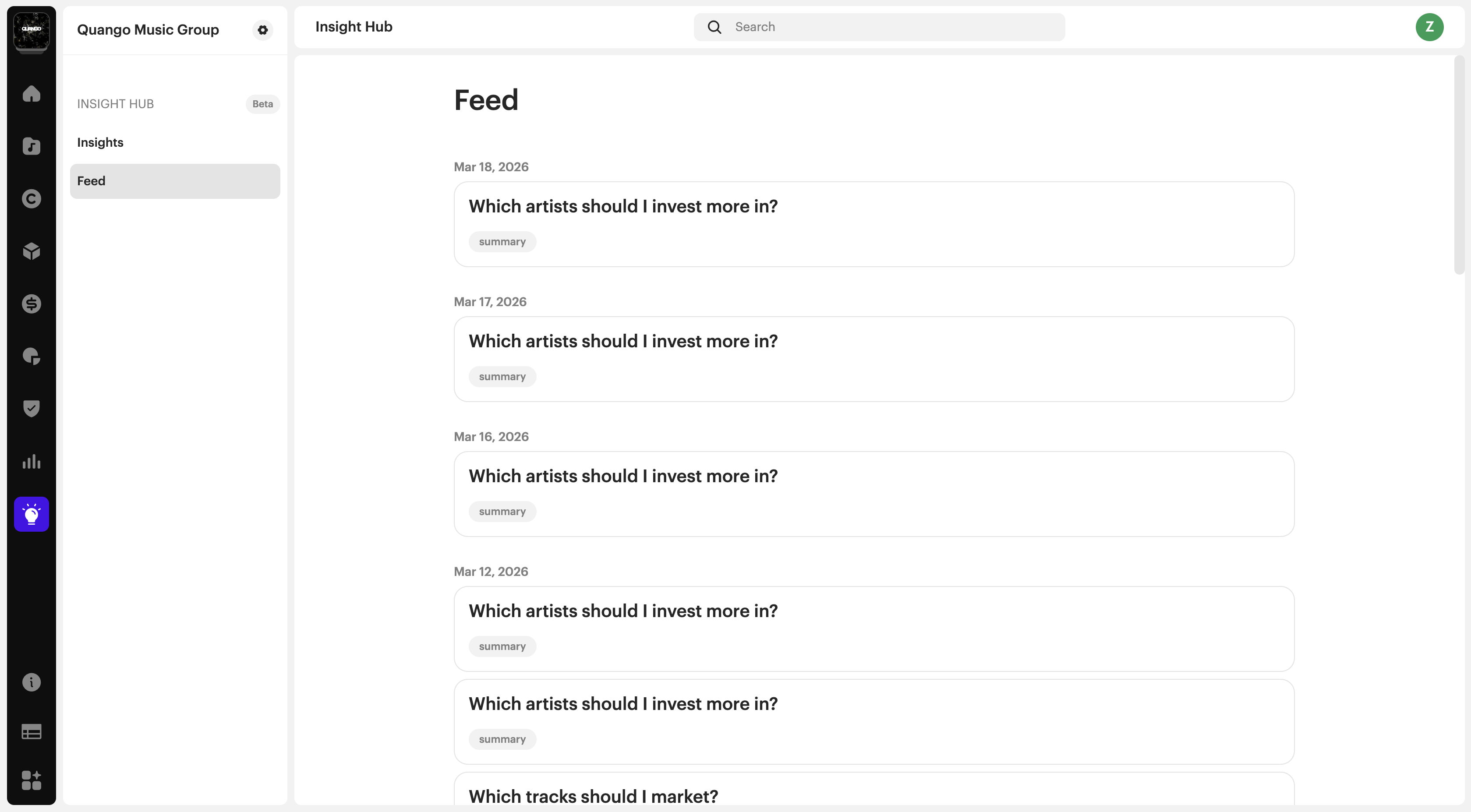
All generated insights are automatically saved in the Feed.
In Feed, you can:
- Reopen any previous insight
- Search insights by name or time range
- Filter insights by category
Insights are stored for up to 1 year.
Refreshing an Insight
Insights reflect the data available at the time they were generated.
- You can reopen an insight anytime to view the saved version
- After 24 hours, you can refresh an insight to generate an updated version
Refreshing an insight creates a new version and counts as a new insight.
Key Things to Know
- Insights are generated from predefined questions only
- Custom questions are not supported
- Insights are based on your available analytics data
- All insights are stored in Feed for future reference
FAQs
Who has access to Insight Hub?
Insight Hub is available to parent enterprise accounts, child accounts, and standalone accounts. Artist or payee portals do not have access.
How many insights can I generate?
Each user account includes a limited number of 5 insights per month.
Each time you generate or refresh an insight, it counts toward your monthly total.
Does refreshing an insight count toward my limit?
Yes. Refreshing an insight after 24 hours generates a new version and uses one insight.
Can I reuse an insight without using my quota?
Yes. You can reopen any previously generated insight in your Feed without using additional quota.
Can I create custom questions?
No. Insights are generated from a predefined set of business questions covering key areas like artists, tracks, DSPs, markets, and trends.
Was this article helpful?
That’s Great!
Thank you for your feedback
Sorry! We couldn't be helpful
Thank you for your feedback
Feedback sent
We appreciate your effort and will try to fix the article